

Infrastructure
What a data centre asset audit includes: a practical guide for UK teams
· 10 min read
A data centre asset audit is a systematic physical inspection of installed equipment to record what is actually present in each rack position, how it is cabled port by port, what it draws from each power circuit, and what serial numbers and firmware versions are running. The output is an asset register that reflects the physical state of the installation, not what was planned, which diverges from reality at the first undocumented change. Organisations that plan migrations, decommissions or compliance exercises from unverified documentation consistently encounter discrepancies on the floor that their planning did not account for.
Why documentation diverges from physical reality
Data centre documentation decays from the moment it is produced. A device is added to a rack during an emergency change and the CMDB update is deferred. A cable is patched differently during a fault resolution and the patch schedule is not updated. A device is removed and repurposed but the rack position in the documentation still shows it as present. Each undocumented change is small; the accumulated effect over months or years is documentation that is wrong in ways that are difficult to predict and expensive to discover at the wrong moment.
What a useful audit captures
A complete data centre asset audit captures physical and logical state for every device in scope. Physical state covers: device make, model, serial number and firmware version; rack unit position (including the top and bottom U of the device); all cable connections at every port, showing the cable type and the destination port; and power connections showing the PDU identifier, outlet number and measured draw.
| Feature | Example value | Why it matters |
|---|---|---|
| Make and model | Dell PowerEdge R750 | Required for rail kit, power and support contract lookup |
| Serial number | ABCD1234 | Links the physical asset to the procurement record and warranty |
| Firmware version | BIOS 2.14.1 | Confirms patch status and identifies devices requiring an update |
| Rack unit position | U22–U24 (3U) | Source of truth for elevation diagrams and move plans |
| Port-to-port cable schedule | NIC1 > TOR-SW1:Gi0/12 | Required for any change, fault resolution or migration |
| PDU outlet and draw | A-PDU-12: 320W measured | Required for capacity planning and dual-feed verification |
How to structure the audit: hall, row, rack, device
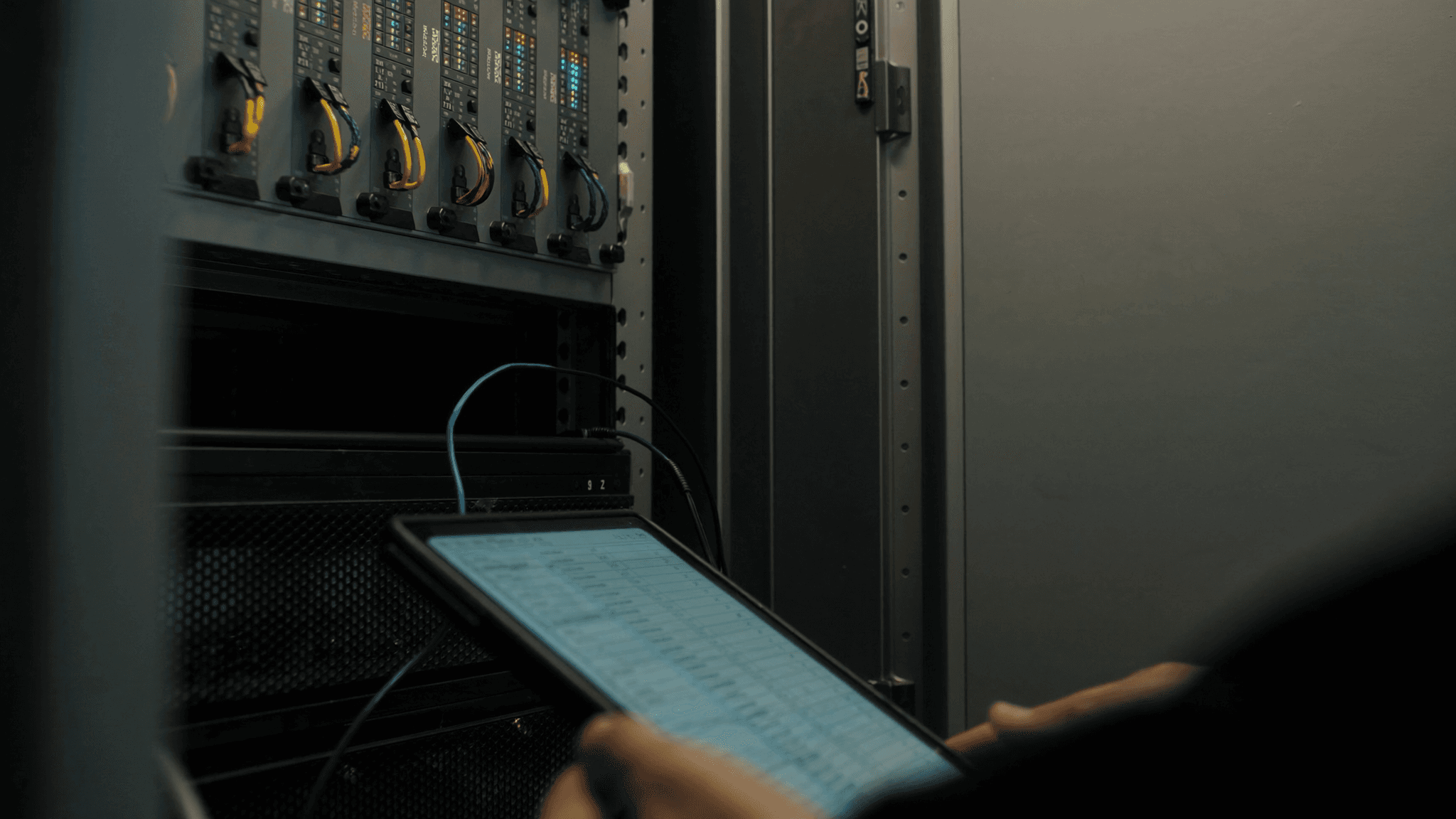
A large-scale audit is most efficiently structured from the outside in. Start by establishing the scope: which halls, rows and racks are in scope. Assign one engineer to each rack for the physical inspection. Use a standardised capture form, whether a spreadsheet template on a tablet or a structured input form in your CMDB tool, so that every engineer records the same fields in the same format. A structured capture process also allows the data to be imported into a CMDB or asset management tool without a manual reconciliation step.
The power audit: the part most teams skip
Most asset audits capture device positions and cable connections but stop short of the power audit. The power audit measures the actual draw from each PDU outlet and confirms that each device is connected to the correct A-feed and B-feed circuits. The practical consequence of skipping it is that the CMDB shows a device as dual-powered when in fact both power supplies are connected to the same PDU. This is a single point of failure that the power audit will find; a CMDB populated from documentation will not.
Cabling audit: from port to port
The cable audit records every cable in each rack, tracing it from the source port to the destination port at both ends. A cable that arrives at a patch panel but whose destination in the patch panel is unlabelled or mislabelled must be traced. Cable tracing in a busy rack takes time: a well-labelled rack can be fully audited in 30 to 45 minutes; an unlabelled rack with heavy cable dressing can take several hours. The quality of the cabling installation directly determines the cost of the audit.
Unknown and unclaimed equipment
Most estate-wide audits find equipment that does not appear in any documentation and cannot be immediately identified. This is common in colocation environments where multiple teams have had access over time. Unknown equipment should be flagged, photographed and checked against the facility operator's access records to determine which customer account it belongs to. Equipment that cannot be attributed after a defined investigation period should be escalated rather than removed: unauthorised removal of another tenant's equipment has legal and contractual consequences.
Turning the audit into a CMDB
The audit output is only as useful as the system it feeds. An asset register in a spreadsheet is a valid intermediate step; a CMDB integration that allows the audit data to be queried, updated on change and linked to support contracts and monitoring records is a more durable outcome. When procuring an audit service, confirm what format the data is delivered in and whether it is compatible with your CMDB tool. A data format that requires manual rekeying will not be maintained.
How often to re-audit
For estates where the CMDB is maintained carefully against a change management process, an annual physical audit is typically sufficient to catch drift. For estates where changes happen informally, a quarterly audit of the racks with the highest change rates keeps the documentation useful. An audit should also be triggered before any migration, decommission or significant expansion project, since those activities require a physical baseline to plan from.