

Operations
Hardware RMA in data centres: a UK guide to managing failed equipment across sites
· 9 min read
Hardware RMA (Return Merchandise Authorisation) in a data centre is the process of identifying a failed component, obtaining an RMA number from the manufacturer or distributor, removing the failed unit from the rack, shipping it under warranty and installing the replacement in the correct position with the correct configuration. When the data centre is a remote facility that your team cannot easily reach, the process adds on-site access coordination, supervised removal and supervised reinstallation, each of which extends the outage unless the logistics chain is planned before the fault occurs.
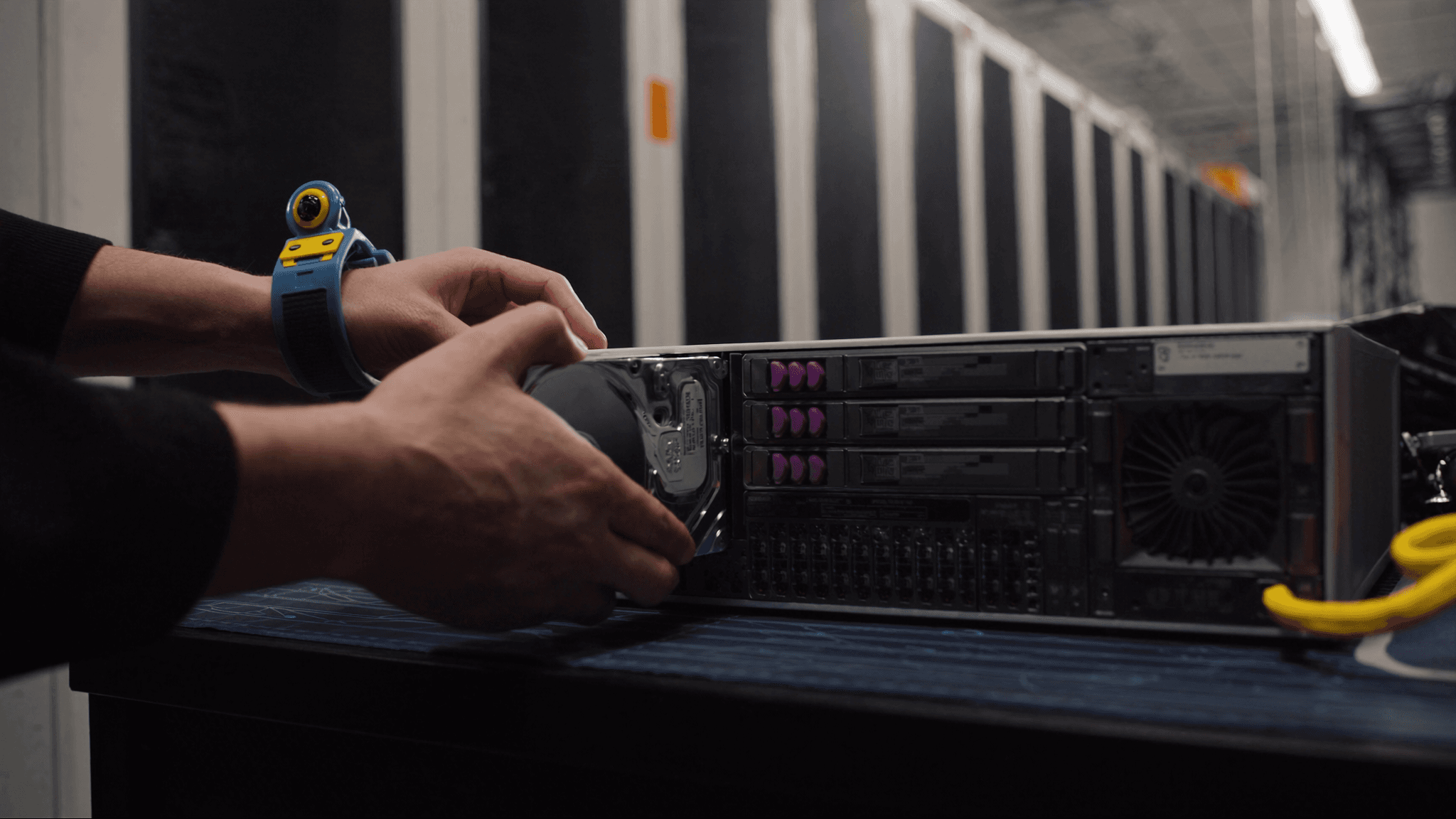
What RMA involves and where the delays typically hide
An RMA has several distinct stages, each with its own dependencies and lead times. Fault identification confirms which component has failed: this is often more complex than a single LED or error message, particularly for intermittent faults or faults affecting a component that is not the most obvious candidate. The RMA request itself involves contacting the vendor or distributor, providing proof of purchase and a description of the fault, and receiving an RMA number. Removal requires a qualified engineer at the site, not just anyone with a screwdriver. Shipping requires packaging that protects the device from electrostatic discharge and physical damage. Replacement requires the same engineer to install the replacement in the correct position with the correct configuration.
Identifying the failed component accurately
Sending the wrong component to the vendor resets the RMA clock: the vendor inspects it, finds no fault, and returns it. In the meantime, the actual failed component remains in the rack. Common misidentifications include: a server reported as failed when the fault is in a fibre transceiver; a RAID controller reported as failed when the fault is in a cable connecting it to the backplane; a power supply reported as failed when the fault is in the PDU outlet. Before initiating an RMA, verify the fault against the system logs, test with a spare component if one is available and confirm the symptom matches the claimed failure mode.
Supervised removal: what needs to be captured before the device leaves the rack
Before any device is removed from a production rack, capture its configuration state: serial number, firmware version, port assignments, IP addresses, any jumper or DIP switch positions and its exact rack unit position. Photograph the device in situ, the cable connections from the front and rear, and the label on the device. For storage devices, confirm that any data on the device is either nil, already replicated elsewhere or will be securely destroyed according to the vendor's data removal procedure before the device leaves the site.
Shipping requirements: antistatic, shock and chain of custody
Electronic components returned under warranty must be shipped in packaging that prevents electrostatic discharge and physical damage. The original packaging is ideal; where it is not available, antistatic bags and foam padding are the minimum. Most vendors specify their packaging requirements in the RMA authorisation; not meeting them can void the warranty claim. The shipping carrier should provide a trackable chain of custody so you have evidence of when the device left the site and when it arrived at the vendor's service centre.
Installing the replacement correctly
A replacement component that is installed in the wrong rack unit, connected to the wrong ports or configured with default settings rather than the production configuration creates a second outage. The configuration state captured before removal is the source of truth for the reinstallation. Confirm serial number against the RMA documentation, photograph the replacement in situ, verify the configuration matches the original and confirm that the system is healthy before declaring the RMA complete.
What vendors and insurers want to see
- Proof of purchase or entitlement showing the device is within the warranty period
- A fault description that matches the vendor's fault classification criteria
- The serial number of the device being returned
- Confirmation that data has been handled according to the vendor's policy
- Shipping tracking information and the RMA number written visibly on the outer packaging
- For insured losses: photographs of the failed device in situ, incident report and chain-of-custody record
Spares pools: when keeping a spare on site changes the calculation
A consignment spares pool is an arrangement where a stock of critical spare parts is held at or near the data centre so that a failed component can be replaced immediately, without waiting for a vendor replacement to arrive. The failed part is then returned to the vendor under RMA after the replacement is installed, and the spares pool is replenished. The economics of a spares pool depend on the cost of the spares against the cost and duration of the outage caused by waiting for vendor fulfilment. For high-availability environments where a component failure cannot be tolerated for the 24 to 72 hours typical vendor RMA fulfilment takes, a spares pool is often cost-effective.
Multi-site RMA: managing the process across several operators
For organisations with infrastructure at multiple data centres, RMA logistics multiply. Each site has its own access process, its own rules about what equipment can be brought in and removed, and its own shipping address. A smart hands provider with pre-existing access at multiple facilities can coordinate the supervised removal and reinstallation across sites under a single agreement, removing the overhead of managing a separate access process, logistics chain and documentation requirement for each site.